New York Genealogy: Finding Ancestors with Full-Text Search
If you’ve been researching your ancestors in New York for any length of time, you know the frustration: you’ve searched every index—Census, Vital Records, Probate—and you’ve hit a brick wall. The records just aren’t there.
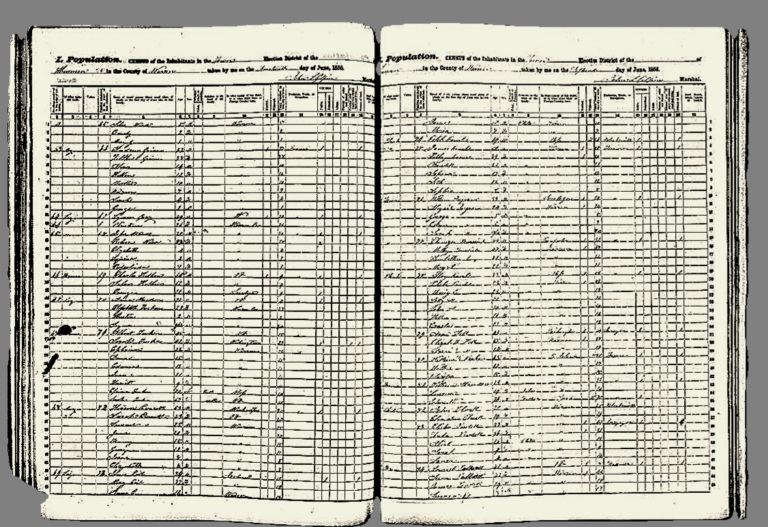
You are not alone! New York State presents unique challenges for genealogists, largely due to its decentralized record-keeping (towns, counties, and churches all kept their own records) and the massive influx of digitized, pre-20th-century documents that have never been fully indexed by name. For ancestors anywhere outside of a major metropolitan area, critical records like town minutes, early land ledgers, and private family manuscripts are digitized and sitting on FamilySearch.org… but they are invisible to the basic search function.
That’s where we unlock the power of the FamilySearch Full-Text Search. This feature uses advanced technology to literally search every single word within those unindexed document images. If your ancestor’s name—or even a description of their land—is written anywhere in that digitized record collection, the Full-Text Search can find it.
It’s the essential tool for bridging the gap between indexed records and the vast amount of digitized history hiding in plain sight. Ready to stop relying on luck and start finding definitive evidence? Let’s dive into the four essential steps to mastering this tool and finally breaking your New York brick wall.
I highly recommend watching this short FamilySearch tutorial on the full-text search feature before proceeding with the steps below:
Step 1: The Basic Search & The New York Hook
Starting Where the Index Ends
The power of the Full-Text Search begins with understanding its core function: it searches the vast digital collection of books, manuscripts, and microfilm images—the records that traditional indexing often skips. When you use the regular FamilySearch search, you are only querying a structured database; with Full-Text, you are literally searching the content of thousands of digitized pages.
To start, you’ll focus on the two most crucial keywords for any New York researcher: The Surname and The Location.
- Surname Focus: Begin with the least common surname you’re researching in a specific New York area. Names less common will yield more manageable results than Miller or Smith.
- Location Focus: Always pair the surname with a specific location keyword. Since New York records are highly localized, you should search the county name, or better yet, the specific town or village.
Step 2: Conquering Variant Spellings
The greatest hurdle in researching early New York ancestors is the notorious inconsistency in spelling. A name could be written three different ways on a single page! If the Full-Text Search’s AI misses a subtle spelling variation, you miss the record.
This step introduces you to the simple yet powerful search syntax that forces the search to cover all possibilities.
Pro Tip 1: Exact Phrases with Quotation Marks (” “)
When you are searching for a full name or a specific two- or three-word phrase, use quotation marks to tell the search engine to treat those words as a single unit.
- When to Use: Use this when searching for the full name of a landmark, street, or a person’s name that is commonly paired with a title or location.
- Example: Searching for Van Buren will find documents with the words “Van” and “Buren” anywhere on the page. Searching for “Martin Van Buren” will only find pages where those three words appear in that specific order. This is essential for distinguishing between people with the same surname.
Pro Tip 2: Using the Asterisk Wildcard (*)
The asterisk is your best friend when dealing with varying suffixes and prefixes. It acts as a placeholder for zero or more characters at the end of a word.
- The Problem: Surnames are often shortened, or endings change (e.g., -burg vs. -burgh).
- The Solution: Search for the root of the name followed by an asterisk.
- Search Example: To capture all variants of the name Van Valkenburg, search for Van Valkenbur*. This will return results for Van Valkenburg, Van Valkenburgh, and potentially other slight variations.
Pro Tip 3: Using the Question Mark Wildcard (?)
The question mark acts as a wildcard for a single character. It’s perfect for minor vowel or consonant swaps, which were common in early records.
- When to Use: When you suspect a letter might be an e or an a, or an s or a z.
- Example: To find both Jensen and Jenson, search for Jens?n. The question mark covers the vowel difference without opening the search up too widely.
Step 3: Searching Beyond Names (Place & Context)
When a person’s name simply doesn’t appear—perhaps because they were a wife only referred to by her husband’s name, a tenant, or a neighbor—it’s time to stop searching for the individual and start searching for the context around them. This is often how major New York genealogy breakthroughs are made in land and court records.
The Full-Text Search is perfect for this because it searches the whole document, allowing you to use non-name keywords to pull the record to the surface.
Powerful Contextual Keywords for Research
Instead of relying solely on the ancestor’s surname, try combining their name with circumstantial evidence:
- Locations & Landmarks: Many early New York records refer to geography. If you know your ancestor lived near a specific feature, search for it.
- Example Searches:
- “Mill Creek” + Smith (Finds a Smith mentioned in a document concerning the Mill Creek boundary.)
- “Albany Turnpike” + Johnson (Finds a Johnson mentioned in a deed or road record along that route.)
- Example Searches:
- Occupations & Titles: Searching for a specific job title can help isolate records about your ancestor in a particular town.
- Example Searches:
- “Blacksmith” + Poughkeepsie (Finds documents listing a blacksmith in that town, who may be your ancestor.)
- “Innholder” + Widow + Schoharie (Helps find the record of a woman who took over her late husband’s business.)
- Example Searches:
- Associates & Neighbors: Court and probate records often list neighbors, family associates, or tenants.
- Example Searches:
- “bounded by” + Jones + Miller (Finds a record where the land of a Jones is described as being near a Miller.)
- Example Searches:
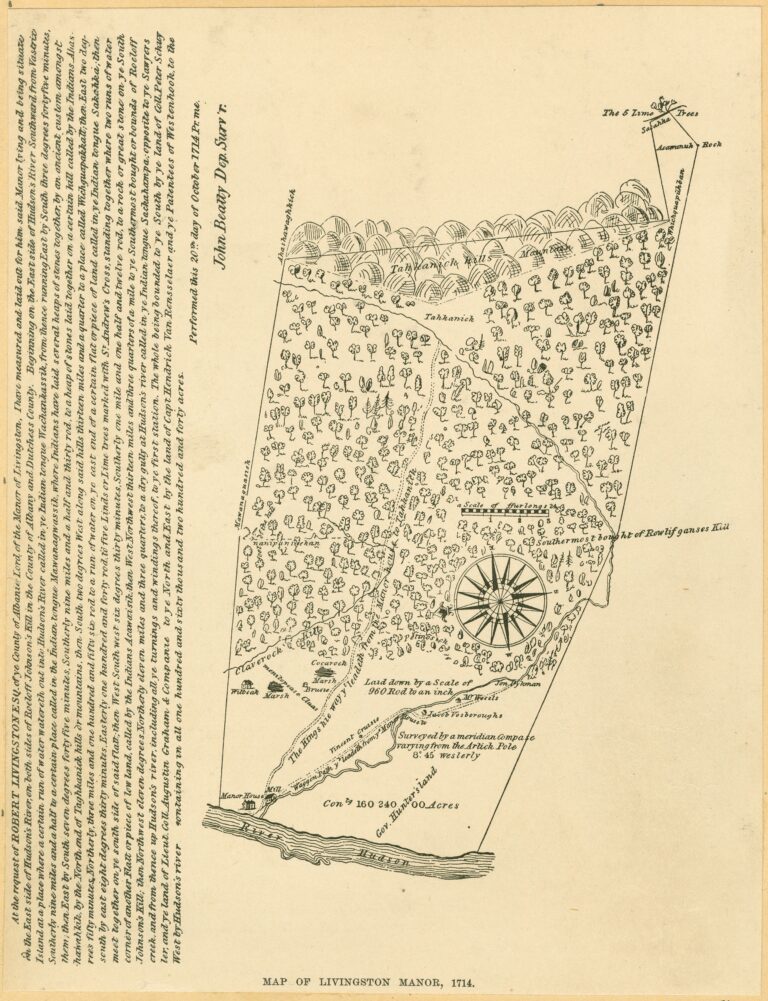
Why this works : Deeds and land surveys, especially those found in early New York records, rely heavily on metes and bounds—descriptions tied to physical landmarks and adjacent property owners. By searching for a specific creek, road, or neighbor’s surname, you can unearth a deed or court appearance where your ancestor is mentioned indirectly.
Step 4: Filtering for Precision and Relationships
Once you start using the full-text search, you may quickly realize its immense power can also be a little overwhelming. A common name like Smith or Jones combined with a New York county can return thousands of results!
The final step is mastering the tools available to narrow your search to highly relevant documents and uncover family relationships that are often missing from indexes.
Pro Tip 1: Leveraging the Result Filters
When your search returns too many documents, look at the filters on the left side of the results page (if you are searching FamilySearch’s digital library). These filters are your greatest asset for precision:
- Filter by Collection: This is the most powerful filter. If you know your ancestor was in Ulster County, you can limit the results to only documents within the “New York, Ulster County Records” collection. This is key to cutting out noise from other regions.
- Filter by Record Type: Limit your search to specific document types. If you’re looking for land ownership, apply the filter for Deeds or Land Records. If you’re seeking heirs, limit the results to Wills or Probate Records.
- Filter by Year/Range: Narrowing the timeline to the years your ancestor was known to be alive can instantly remove irrelevant results.
Pro Tip 2: Using Relationship Keywords
In early New York records, women were often referenced only by their relationship to a male family member. You can use the Full-Text search to find these connections:
- Searching for Widows: Combine the term “widow of” with the husband’s name.
- Search Example: “widow of” John Miller (This is much more effective than just searching for “Mrs. Miller.”)
- Searching for Heirs/Children: Use terms like “heir of,” “son of,” or “daughter of” to find probate or guardianship records.
- Search Example:
"son of” William Johnson + Will (Searches for a child mentioned in William Johnson’s unindexed will.)
- Search Example:
- Searching for Associates: Use terms like “associate,” “apprentice,” “master,” or “bound to” to find social and economic connections in town meeting minutes or court dockets.
Conclusion: Your Next Step
The FamilySearch Full-Text Search is not just a secondary tool—it’s an indispensable technique for anyone researching New York genealogy. By combining the four steps outlined in this guide you can move beyond the indexed records and start searching the rich, hidden history of the Empire State!
Ready to start busting your brick wall? Click here to watch the tutorial again and then get back to searching those hidden records!
Need Expert Help?
If you’ve tried these steps and are still facing difficulty with a particularly stubborn New York line, consider contacting me for research assistance!